
A More Comfortable Home Workspace: Start With the Setup
By At Home with Alice Editorial · Published · Updated · 4 min read
Before buying a desk accessory, look at the whole working area. A practical guide to space, equipment, interruptions and storage, with buying questions for homes where the office also serves another everyday purpose at home.
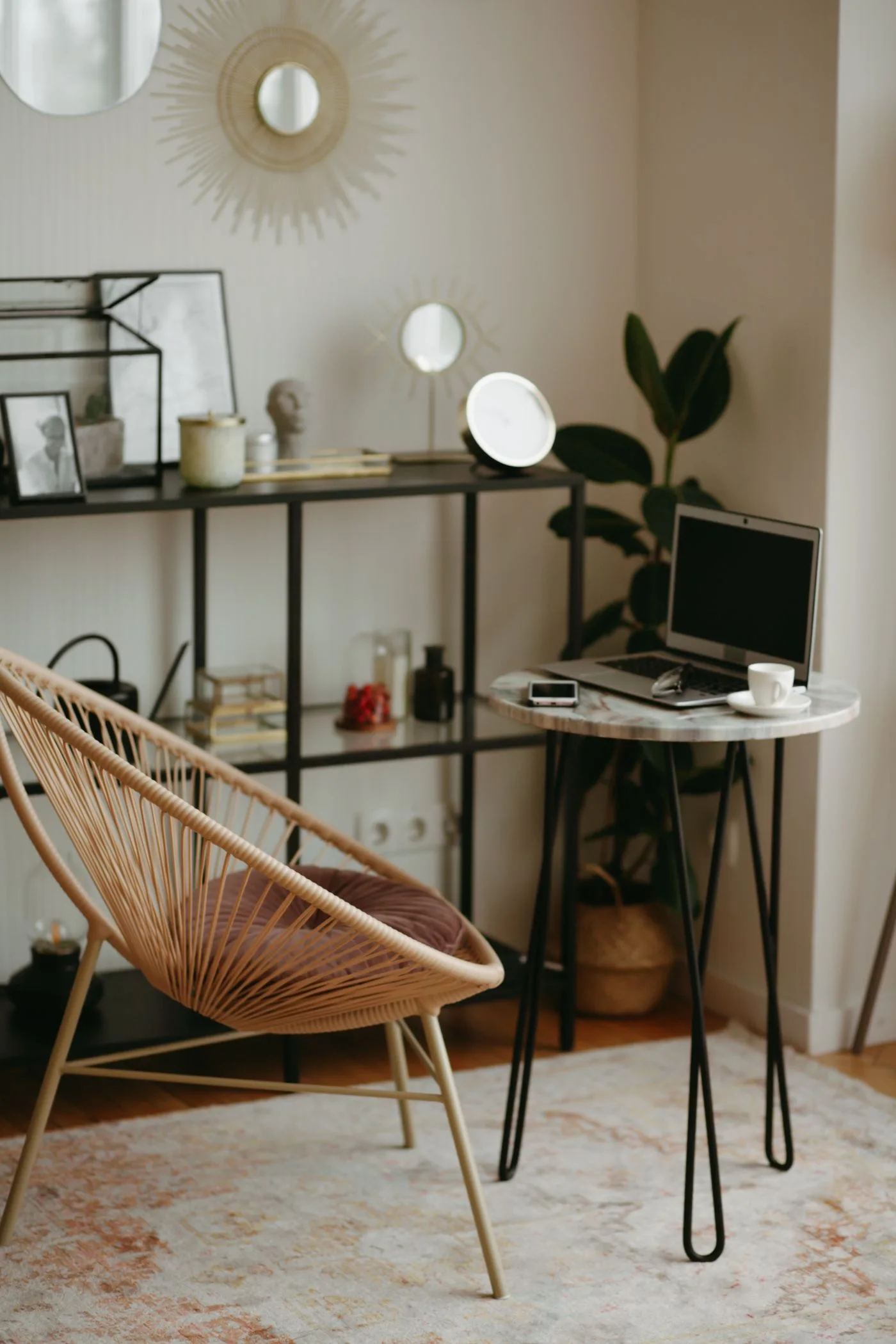
A laptop at the dining table can look tidy in a photograph while being awkward to use for a full working day. Equally, a dedicated office can contain expensive furniture arranged around the wrong tasks. Improving a home workspace starts with how you work, what fits the room and where the repeated difficulties occur.
For regular work, use your employer's workstation assessment process where applicable. The HSE's workstation assessment guidance considers the whole setup, the job and individual requirements. The suggestions here are purchasing and household planning ideas; they do not replace that assessment or individual advice about discomfort.
Describe the working day before choosing furniture
Write down the equipment you actually use: laptop, separate screen, keyboard, notebook, headset or reference papers. Note how often the workspace becomes a dining area, craft table or guest room. A fixed arrangement and a portable one solve different problems. Buying a large desk will not help if the room needs to change function every evening.
Measure the available area with the chair pulled back, not only pushed neatly beneath the table. Include opening doors, drawers, radiators and the route through the room. Leave access to sockets and avoid placing cables where people walk. A paper plan can expose an awkward fit before a delivery arrives.
Look at the whole arrangement
Position the equipment you use most so you can work without repeatedly reaching around decorative objects or piles of paper. Keep a frequently used notebook close, and move occasional equipment further away. Check screen visibility at the time of day you normally work, because reflections may be different from those seen on a weekend afternoon.
A laptop stand changes where the screen sits, but it also changes where the built-in keyboard sits. Consider the arrangement as a whole, including separate input devices where needed, rather than assuming one accessory completes it. Ask for support with the assessment if you are unsure how to arrange your equipment.
Plan changes of activity
The HSE's guidance on work routines favours short, frequent breaks or changes of activity over occasional longer breaks. Build practical opportunities into your work plan, such as moving away from the screen for a task that does not require it. A reminder can be useful, but it should fit the job rather than become another notification to dismiss.
Do not buy a standing desk simply because the product photography suggests a universally ideal working day. Think about whether you have space, whether adjustment is convenient and whether it supports the tasks you perform. Equipment is only one part of a workable routine.
Choose purchases by the problem they solve
| Purchase | Check before ordering | Tradeoff |
|---|---|---|
| Adjustable chair | Adjustment range, dimensions and return terms | More features can mean more setup |
| Separate keyboard and mouse | Compatibility, usable desk space and connection | Extra items to store in shared rooms |
| Monitor arm | Screen mounting, desk thickness and load limits | May not suit a lightweight shared table |
| Portable work box | Equipment fit and carrying weight | It stores equipment but does not arrange it for use |
Compare published dimensions and adjustment information rather than vague comfort claims. Where possible, use a retailer with clear return conditions and keep packaging until you know the item fits the space. An expensive chair is not automatically the right chair for every person.
Make the end of the day easier
For a shared table, group work items in a box or shelf that you can reach without unpacking unrelated possessions. Leave chargers in a safe, predictable location and take a quick photograph of a setup you want to reproduce. This can save repeated rearrangement without buying multiple sets of equipment.
In a dedicated office, clear the working area enough to begin the next task. You do not need to remove every personal item. A small amount of visible decoration may be enjoyable, but it should not displace the tools or space your actual work needs.
Frequently asked questions
Should I replace everything at once?
No. Start with an assessment and prioritise the specific issue it identifies. Replacing several items together makes it harder to know which change helped.
What if the dining table is the only option?
Discuss the arrangement with your employer if relevant, assess the whole setup and make storage easy. Limited space does not remove the need to consider how equipment is used.
What should I do about persistent discomfort?
Seek appropriate professional advice and raise work-related concerns through your employer's process. Do not rely on a shopping guide to diagnose the cause.
Sources & further reading
Manufacturer and public guidance checked 11 October 2026. Check individual product information before purchasing.